See it on a portrait
Three example faces colored with this palette so you can preview how the shades read together.
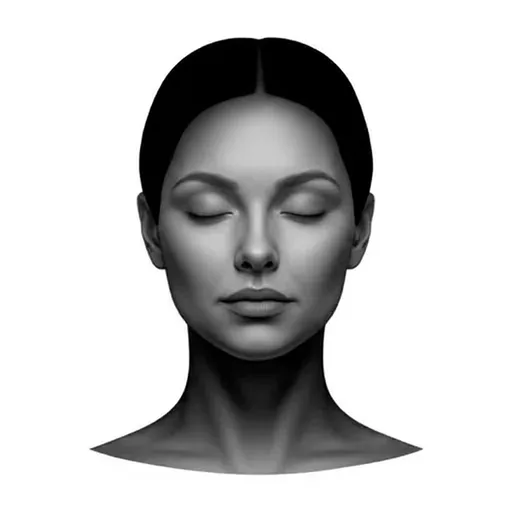
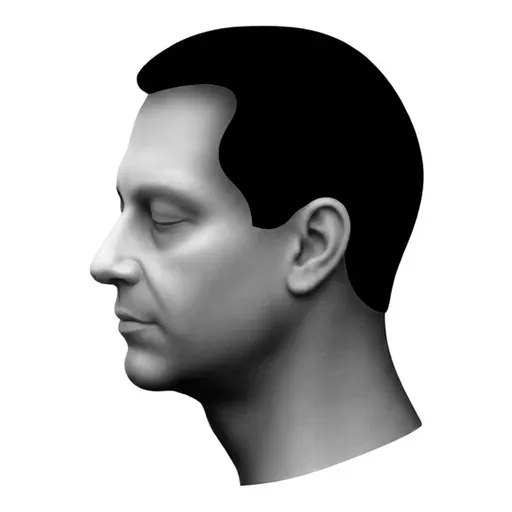

Brand matches computed in perceptual Oklab color space for true visual accuracy.
Skin tone palette generator for coloring portraits
Pick a depth and undertone, then choose a 5 or 7 pencil ladder. You get a balanced highlight-to-shadow palette that harmonises out of the box, with Copic and Prismacolor matches lined up for every swatch.
How to build a skin tone palette
Three calm steps to a balanced highlight-to-shadow ladder for any portrait.
1. Pick depth & undertone
Choose how fair or deep the skin should be, then pick cool, neutral, warm or olive to set the mood.
2. Choose 5 or 7 pencils
Stay classic with five shades, or unlock rich tones with seven for extra cheek warmth and depth. Lock the ones you love and reshuffle the rest.
3. Copy or download
Copy each hex code or download the whole ladder as a PNG. Take it to your sketchbook, screen or coloring page.
A gentler way to color realistic skin.
- Two ladder sizes: a Classic 5-pencil set, or a Rich 7-pencil set with extra cheek warmth and a deeper core.
- Six depth steps from fair to very deep, with cool, neutral, warm and olive undertones for every subject.
- Closest Copic marker and Prismacolor pencil match for every shade, so you can grab and color.
- Lock the swatches you love and reshuffle the rest until the ladder feels just right.
- Copy individual hex codes or download the whole palette as a PNG to keep on your desk.
- Completely free. No signup, no watermark, no limits.
Built for markers and pencils on coloring paper
These palettes are not generic screen colors. Each one is generated with real coloring tools in mind, then checked against how it behaves on paper: markers lay down flat and slightly darker than they look on a monitor, pencils build up softly and let the paper tooth lighten the tone. Values are kept far enough apart that they stay readable once printed, and the lightest shades stay light enough to leave room for highlights on white coloring paper.
Frequently asked questions
- What is a skin tone palette generator?
- A free, friendly tool that hands you a ready-to-color skin tone palette in seconds. Pick Classic for a 5-pencil ladder (highlight, light, mid, shadow, deep shadow) or Rich for a 7-pencil set with a dedicated cheek warmth and deep core. Every swatch comes paired with the closest Copic marker and Prismacolor pencil so you can grab them straight from your tin.
- Should I use 5 or 7 colors?
- Five pencils is the cozy go-to: a clean ladder from highlight to deep shadow that covers most portraits beautifully. Seven pencils is for when you want more depth and softer transitions, with an extra cheek tone and a richer deep core. Both are balanced for layering, so pick whichever feels right for the page in front of you.
- How do I pick the right palette?
- Start with the depth (fair through very deep), then choose the undertone that matches your subject: cool for pinkish skin, warm for golden, olive for green-yellow, or neutral for balanced. The generator does the heavy lifting and gives you a ladder that already harmonises, so you can color with confidence.
- Can I use these palettes for any skin tone?
- Yes, every skin is welcome here. The generator spans very fair to very deep with cool, neutral, warm and olive undertones, so you can color any portrait or character truthfully and respectfully.
- Is it really free?
- Yes, completely. No signup, no credit card, no watermark. Generate, lock favorites, copy hex codes and download as many palettes as you like.
Need a full color palette too?
Generate harmonious color palettes for backgrounds, clothing and props to pair with your skin tones.
Open the palette generator